


User Manuals
Walking Pads
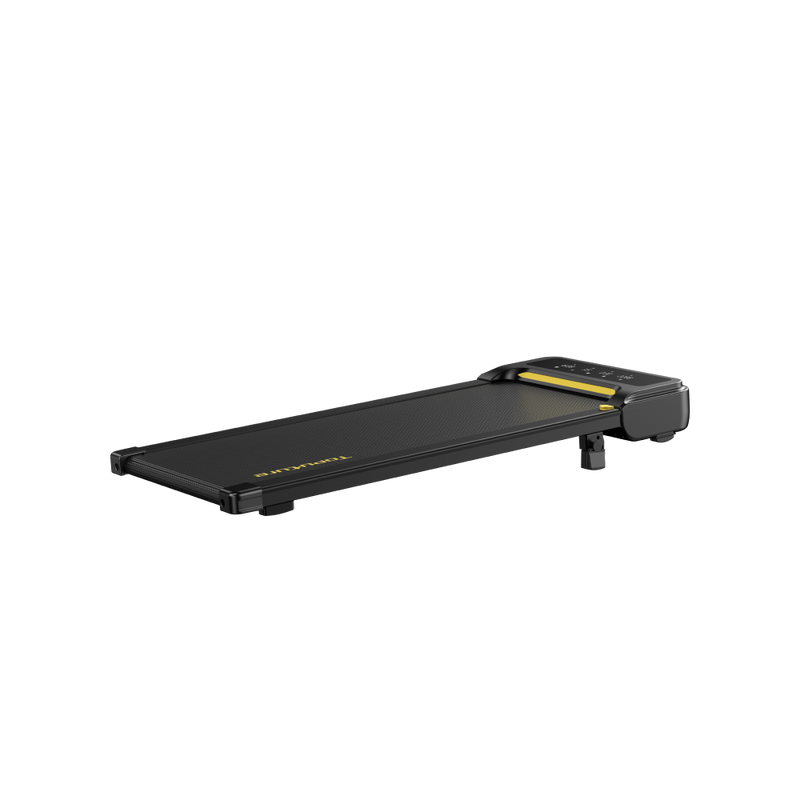
TP3 Portable Walking Pad User Manual
User Manual
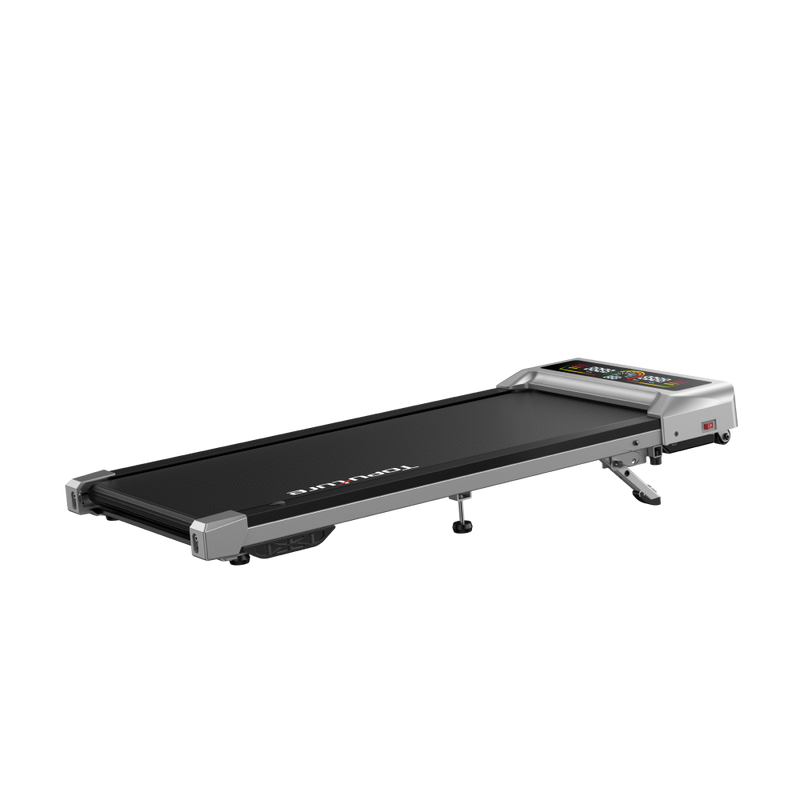
TP8 Walking Pad
User Manual
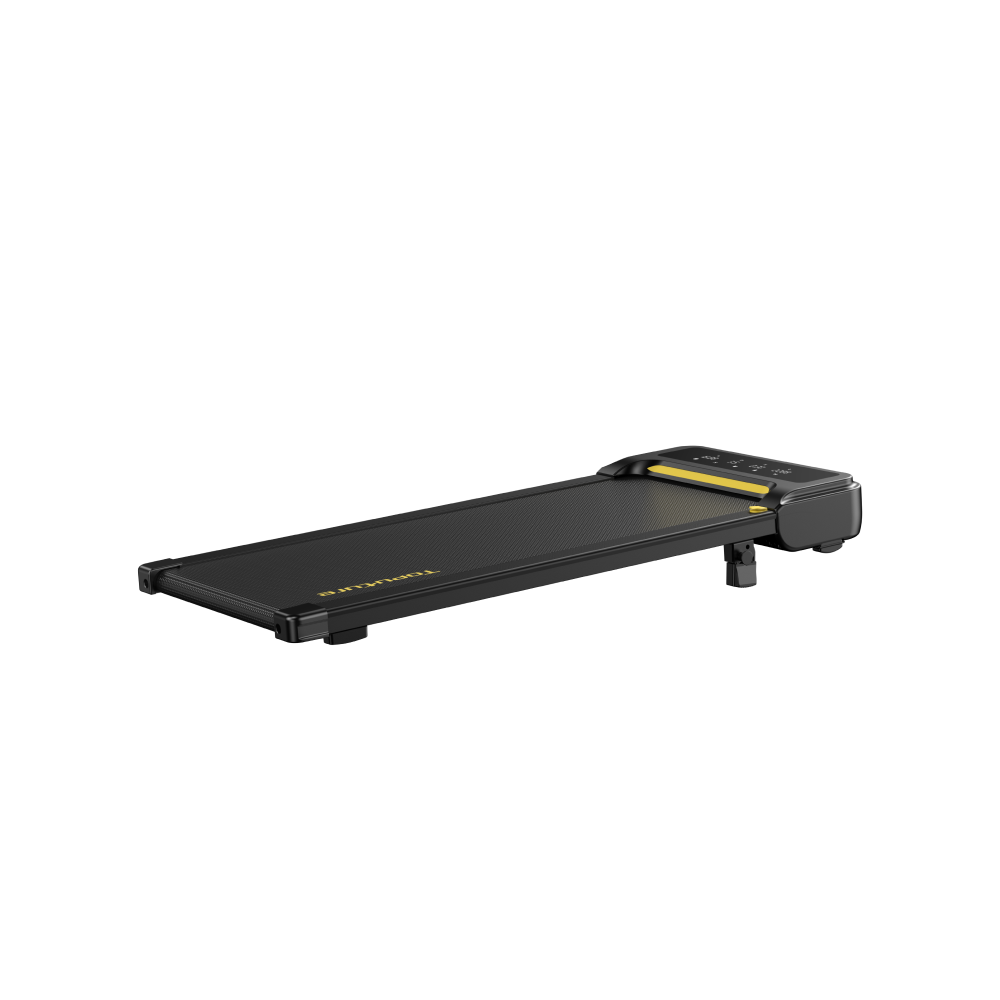
TP3 Portable Walking Pad User Manual
User Manual
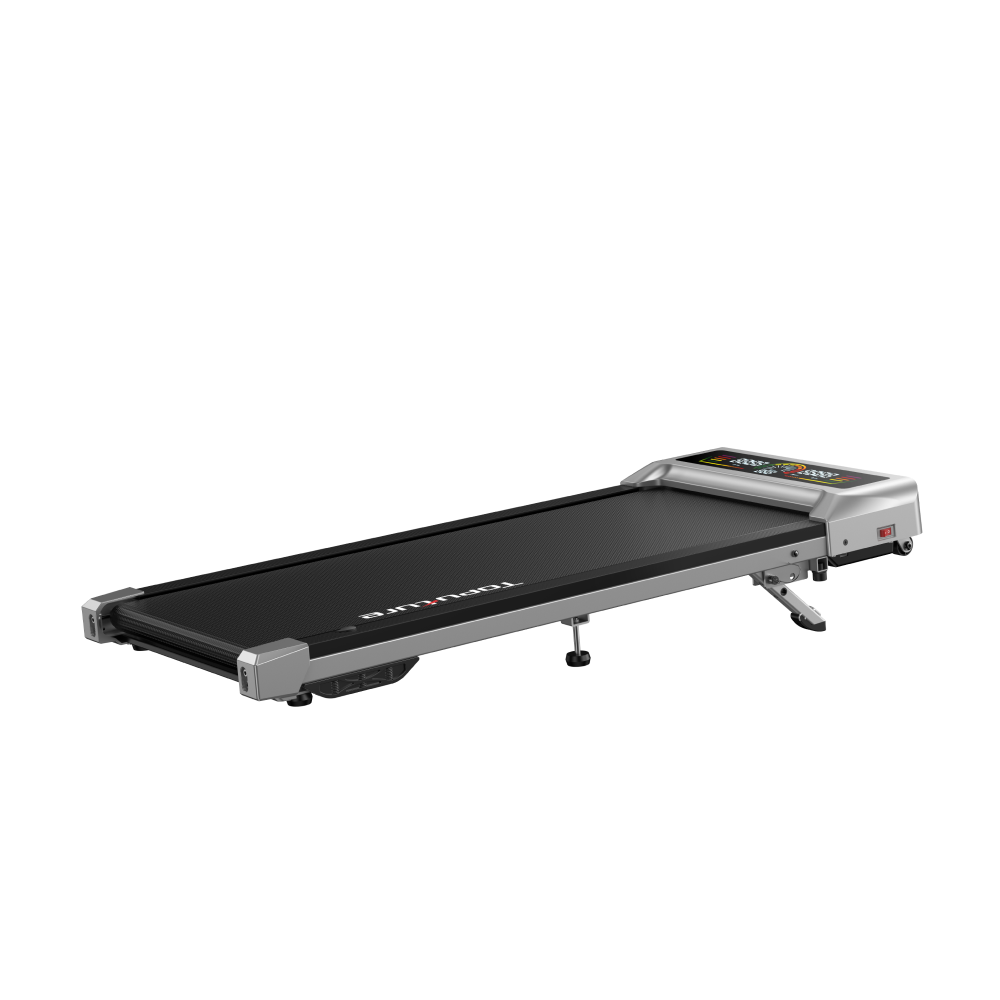
TP8 Walking Pad
User Manual
Treadmills
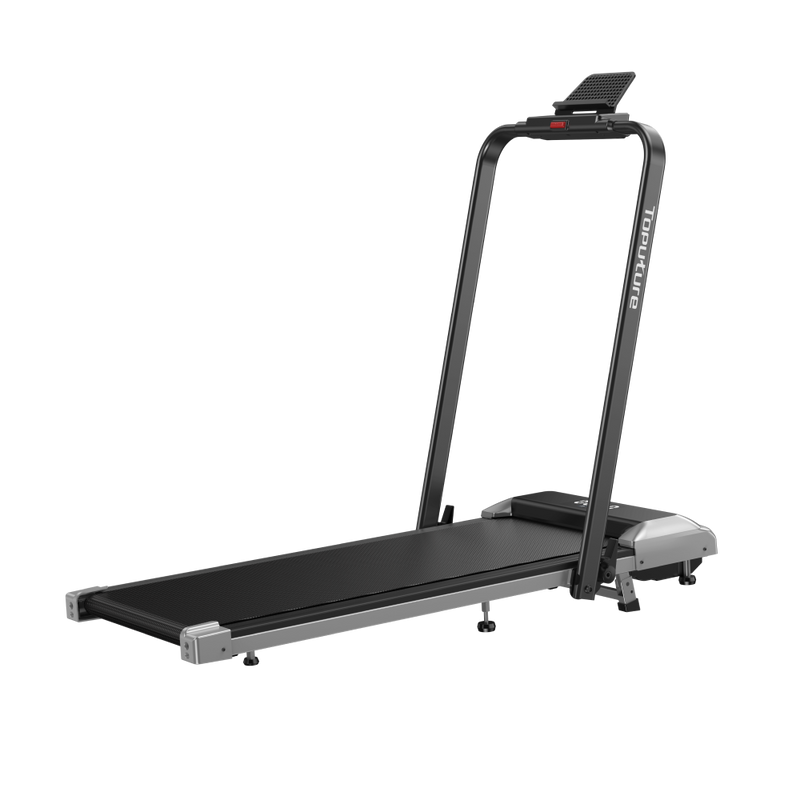
TP2 Walking Pad Treadmill
User Manual
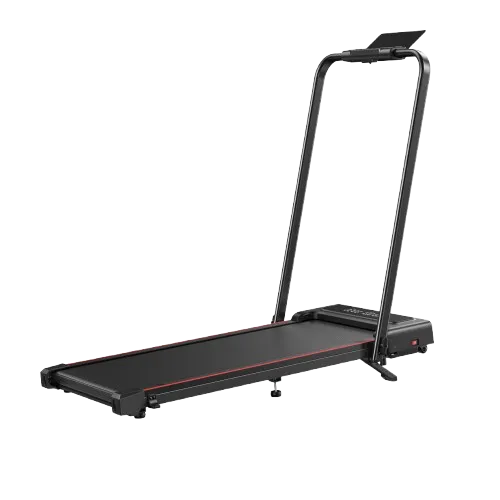
TP4 Walking Pad Treadmill
User Manual
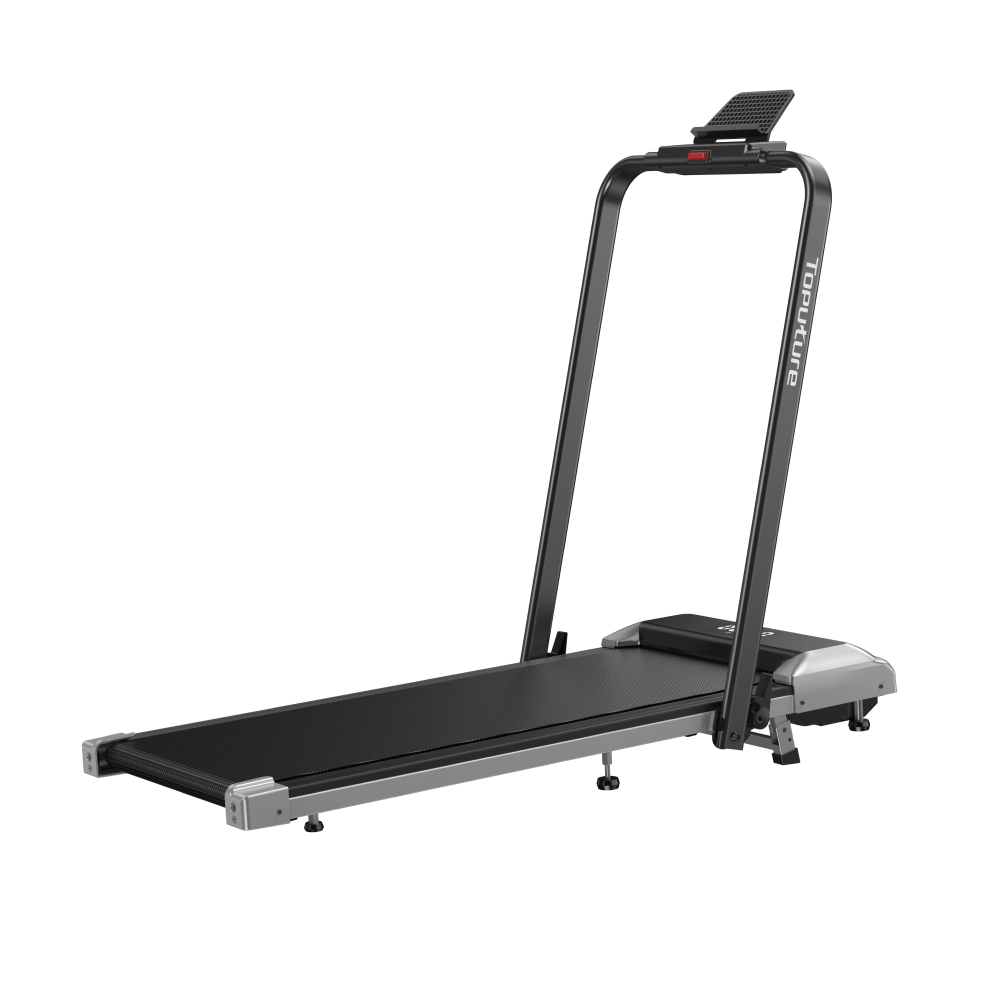
TP2 Walking Pad Treadmill
User Manual
TP4 Walking Pad Treadmill
User Manual

TP5 Walking Pad Treadmill
User Manual
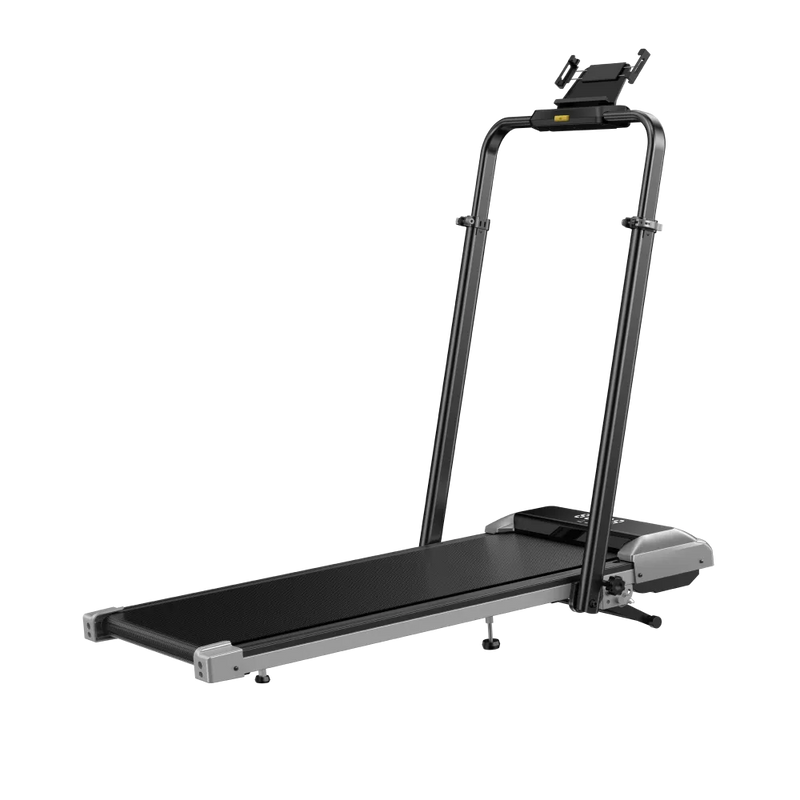
TP6 Walking Pad Treadmill
User Manual
TP5 Walking Pad Treadmill
User Manual
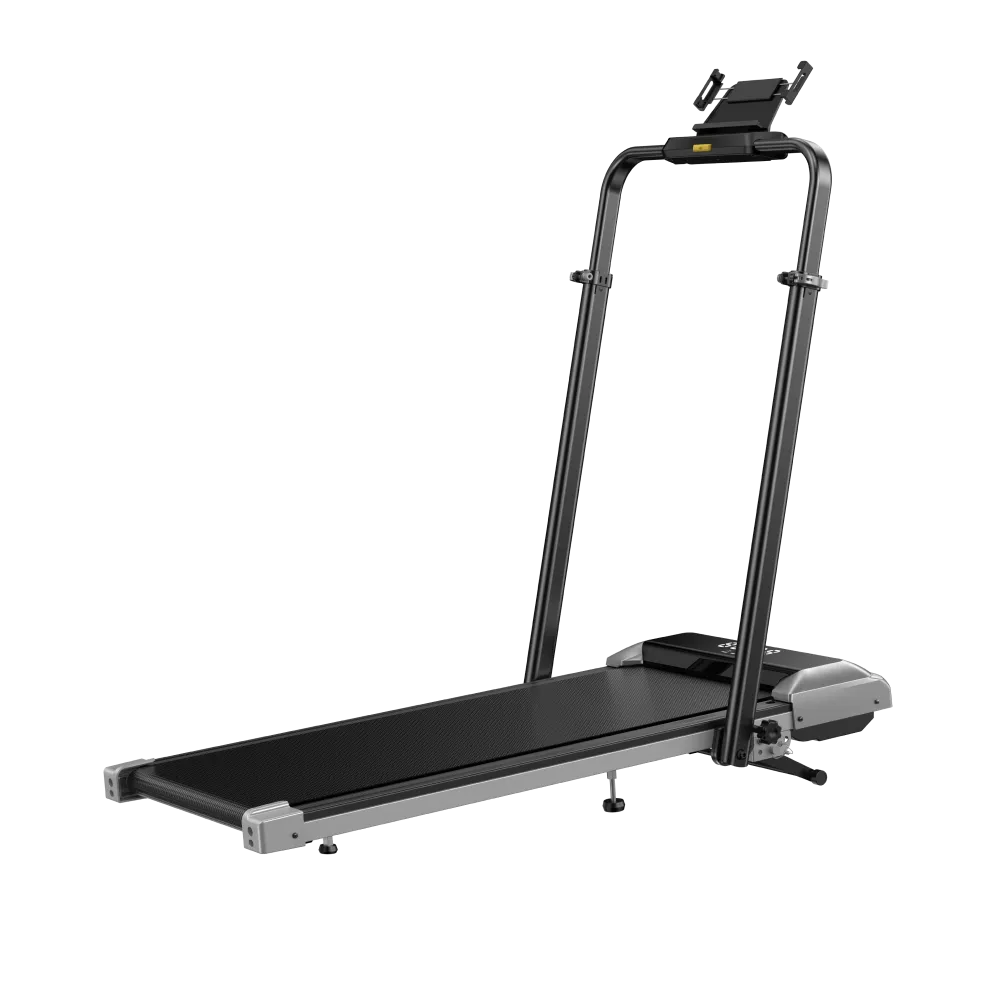
TP6 Walking Pad Treadmill
User Manual
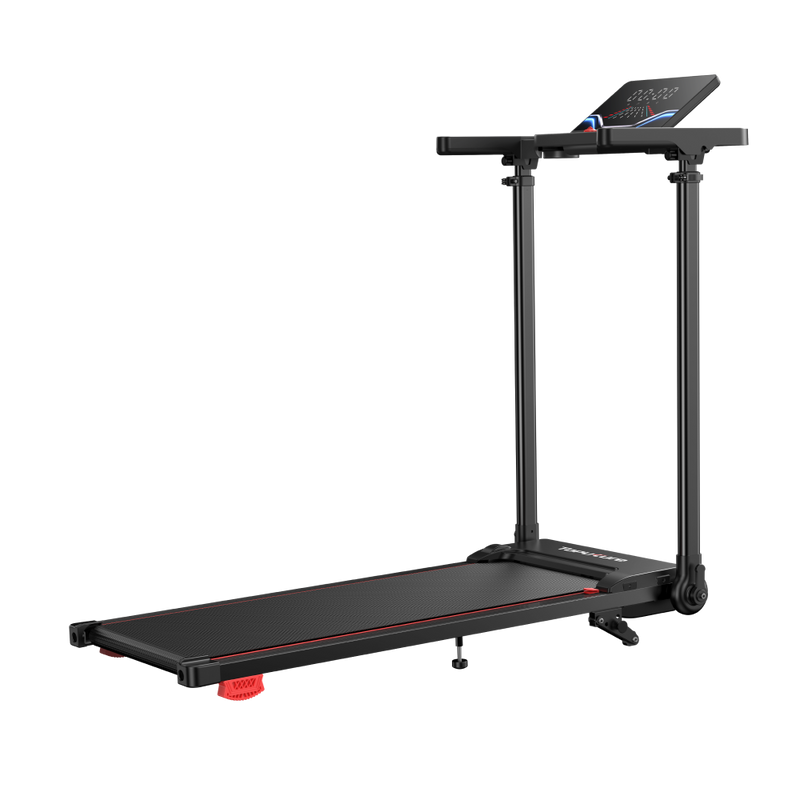
TP7 Walking Pad Treadmill
User Manual
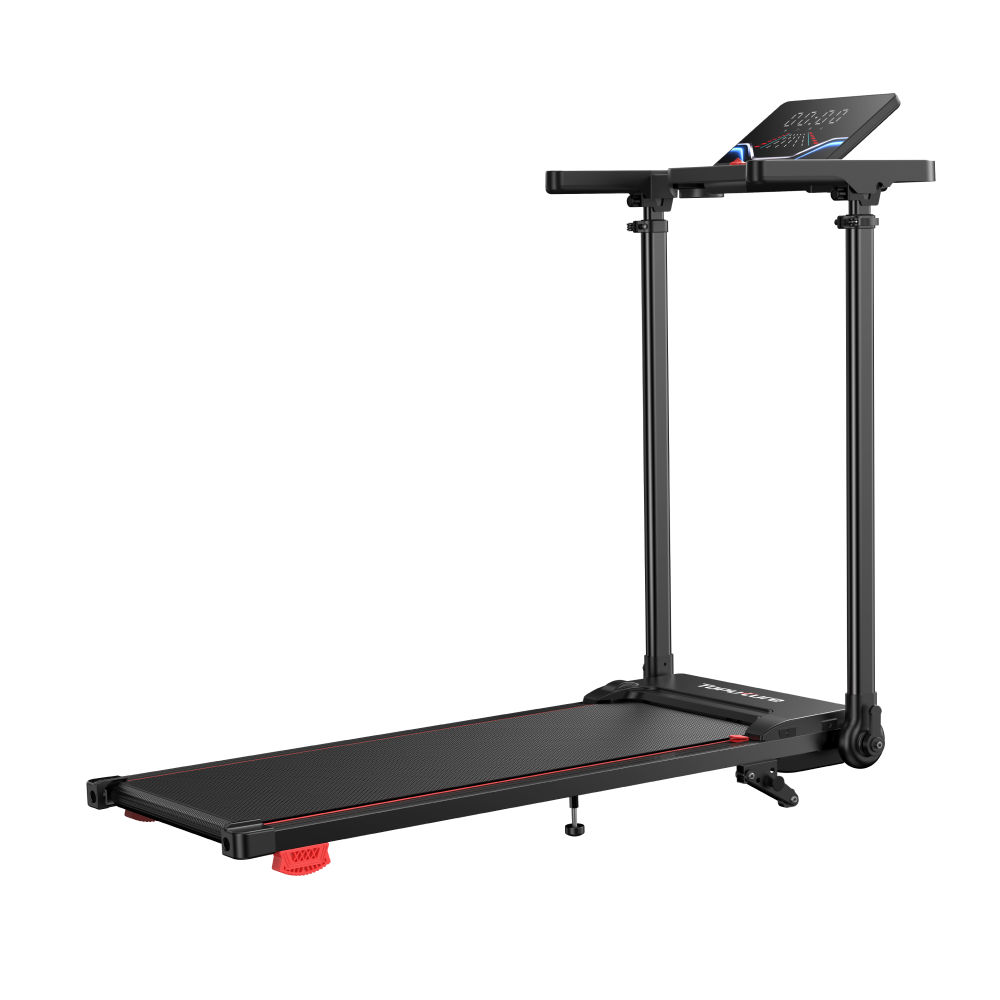
TP7 Walking Pad Treadmill
User Manual
Exercise bikes
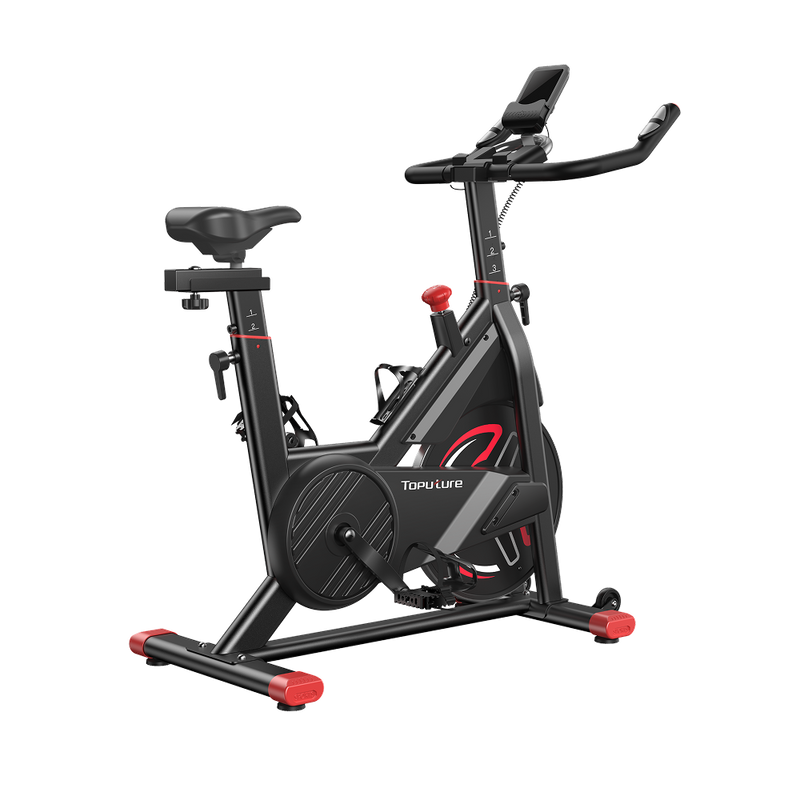
TEB1 Exercise Bike
User Manual
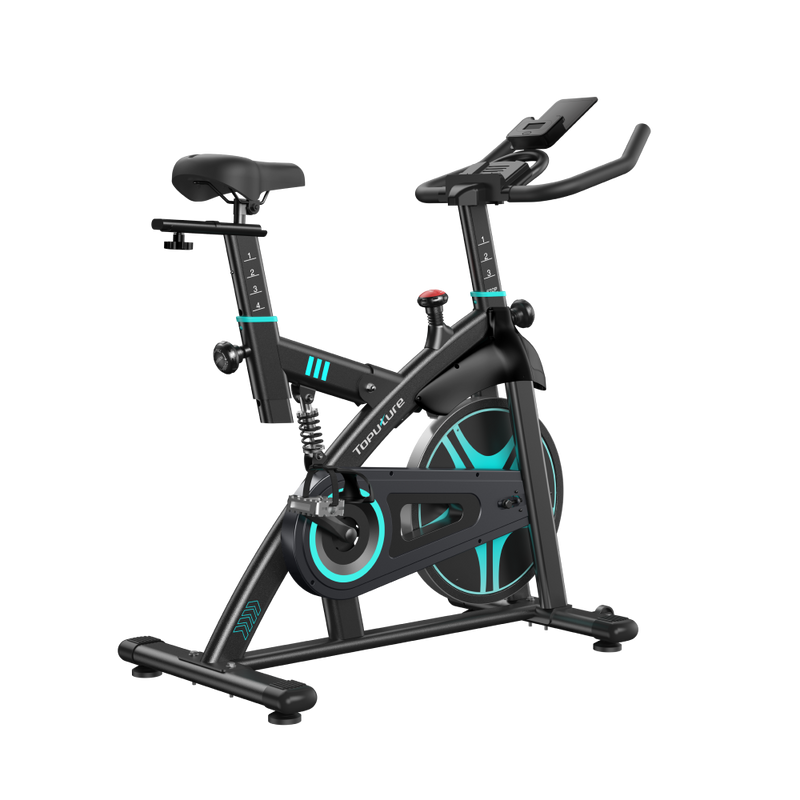
TEB2 Exercise Bike
User Manual
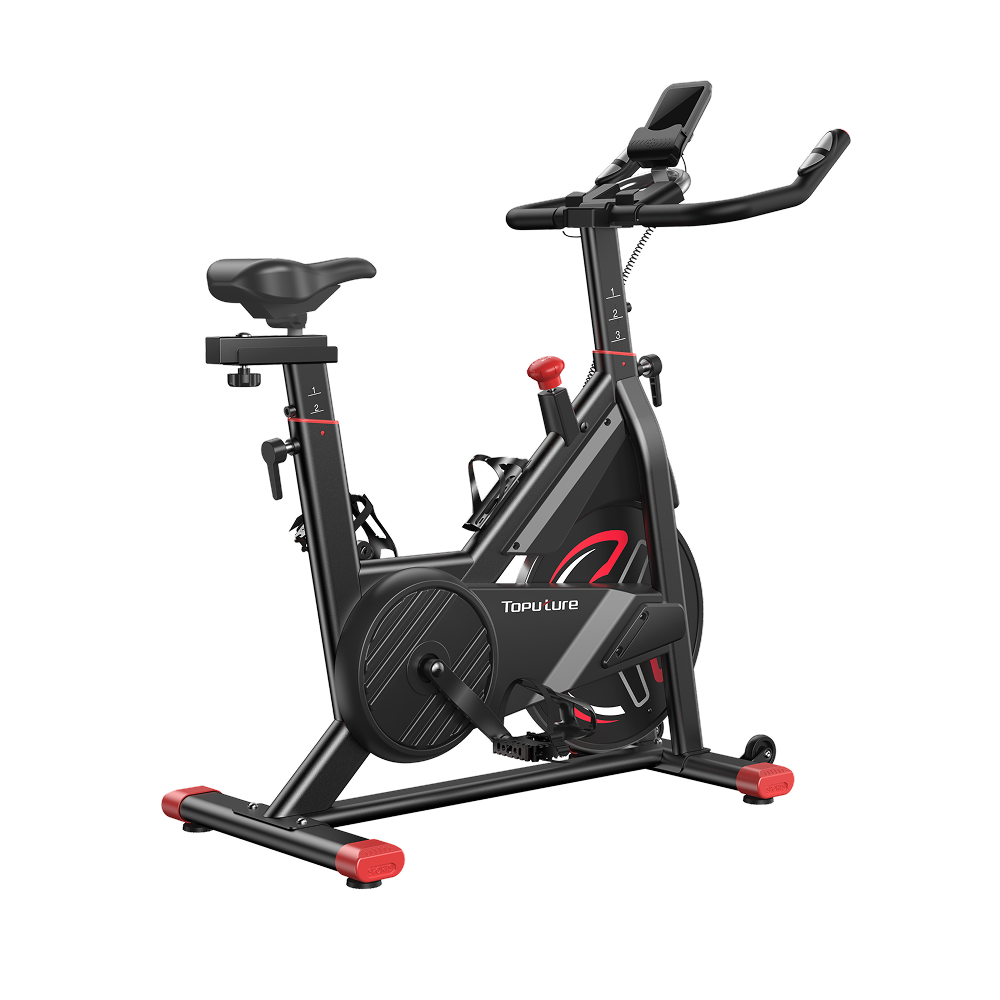
TEB1 Exercise Bike
User Manual
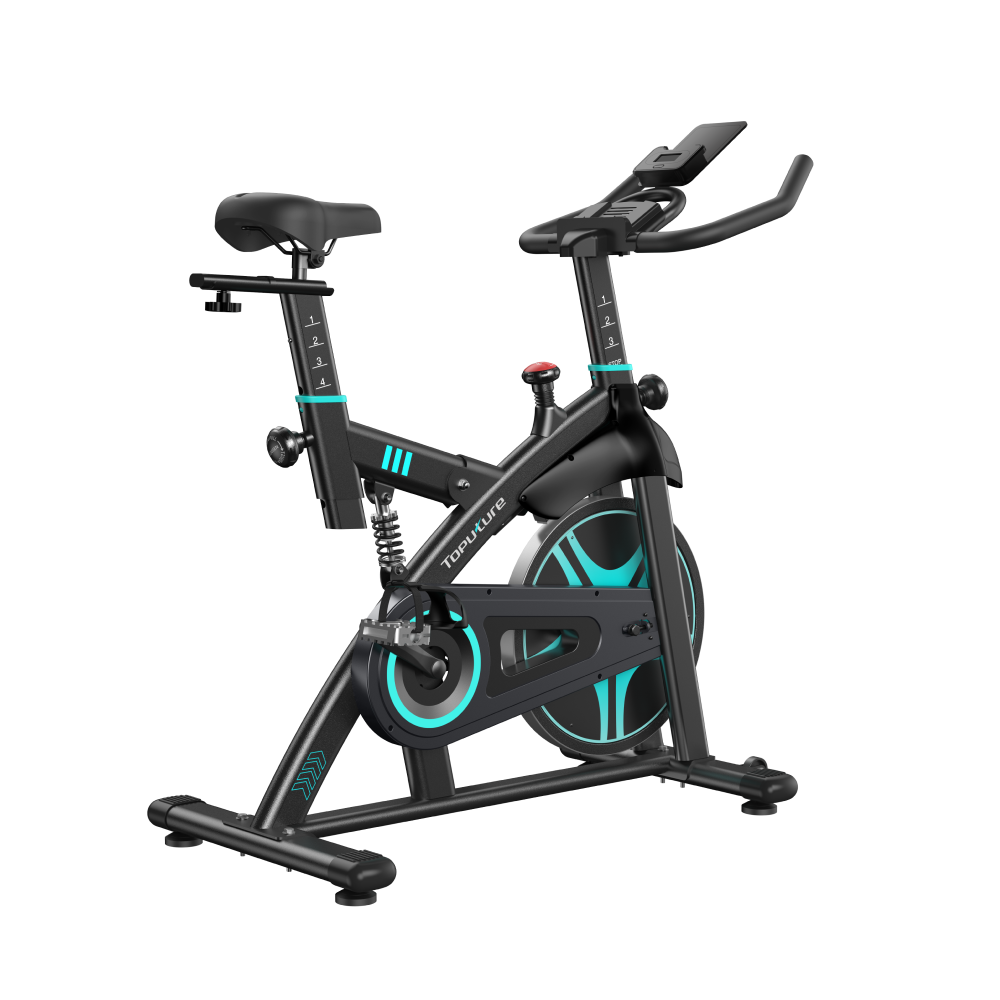
TEB2 Exercise Bike
User Manual

TEB3 Exercise Bike
User Manual

TEB4 Exercise Bike
User Manual
TEB3 Exercise Bike
User Manual
TEB4 Exercise Bike
User Manual
FAQ
I can't find the manual for my exact model. What should I do?
I can't find the manual for my exact model. What should I do?
If your specific model isn't listed yet, email our support team at help@toputure.com with your order ID and product model number, and we'll send you the correct PDF directly. Toputure regularly updates this page as new products launch, so newer models may take a little time to appear.
What file format are the manuals in, and can I view them on my phone?
What file format are the manuals in, and can I view them on my phone?
Each Toputure instruction manual is provided in PDF format. You can click the "Download" button to open it directly in your phone or computer browser, making it convenient to access anytime near your treadmill or walking mat.
What information is included in a Toputure user manual?
What information is included in a Toputure user manual?
Each manual covers the full component checklist, step-by-step installation and assembly, safety guidelines, operating instructions (including incline, speed, and workout modes), app pairing steps, routine maintenance and cleaning, and a troubleshooting section for common error codes.
How do I maintain my Toputure treadmill or walking pad long-term?
How do I maintain my Toputure treadmill or walking pad long-term?
Wipe the running belt regularly with a damp, soapy cloth, keep the surface free of dust and debris, avoid letting water touch electrical components, and check belt lubrication periodically — most manuals recommend opening the motor cover annually to clean and re-lubricate. Specific maintenance intervals and lubricant type are detailed in your model's manual.
My machine is showing an error code. Where can I find out what it means?
My machine is showing an error code. Where can I find out what it means?
Check the troubleshooting section at the back of your product manual first, or visit our dedicated Error Code Guide for a full breakdown of what each code means and how to resolve it. If the issue persists, our support team is happy to help — just reach out through the Contact Us page.
Who do I contact if I still have questions after reading the manual?
Who do I contact if I still have questions after reading the manual?
Toputure's support team is available Monday–Friday, 9 AM–7 PM (CT), and typically responds within 24 business hours. Email help@toputure.com or visit our Contact page — for the fastest help, include your order ID and product model number.


